Press kit

Writing about ClockedFlow?

The logo, screenshots, the launch clip, descriptions to paste, and a person to ask. Everything here is free to use in coverage of ClockedFlow.

Product
ClockedFlow, time tracking that sends the invoice
Launch
4 November 2026
Platforms
Mac (Apple Silicon), any modern browser, and iPhone (invite-only beta)
Price
Free, with no limits. 1% of an invoice when a client pays it online through Stripe.
Made by
An independent developer
Website
https://clockedflow.app
Press contact
[email protected]

Descriptions

Use either as written, or cut from them. Copy puts the plain text on your clipboard.

60 words

ClockedFlow is a free time tracker for freelancers that finishes the job by sending the invoice. Press start on a task on your Mac, iPhone or in the browser, tidy the week on a real calendar, and on the 1st ClockedFlow turns each client's unbilled hours into an invoice. It's free, with 1% taken only when a client pays online.

200 words

ClockedFlow is a free time tracker for freelancers, consultants and small agencies that finishes the job: on the first of every month it sends the invoices itself.

Tracking starts the moment you open the app, with no account. Press start on a to-do and a dial fills around the clock while you work. The timer keeps running offline, and only one session runs at a time, so the record is honest. On the desktop, the week sits on a real calendar where you drag a session to move it, drag an edge to resize it, or type to correct it. Projects hold to-dos with deadlines, tags and checklists, and Insights shows when you focus best.

Each client has a currency and a rate. On the 1st, ClockedFlow turns every client's unbilled hours into an invoice from your own template, rounded once per project rather than per entry, with every amount in whole cents. The client gets a link and can pay by card through Stripe.

ClockedFlow runs on the Mac, in any browser and on the iPhone, and a free account syncs them. Tracking is free and unlimited. The only charge is 1% of an invoice a client pays online.
Screenshots

Real screens with sample data, each in light and dark. Desktop screenshots are 16:10, taken from the Mac app; the phone is an iPhone. Click a link to download the full-size WebP.

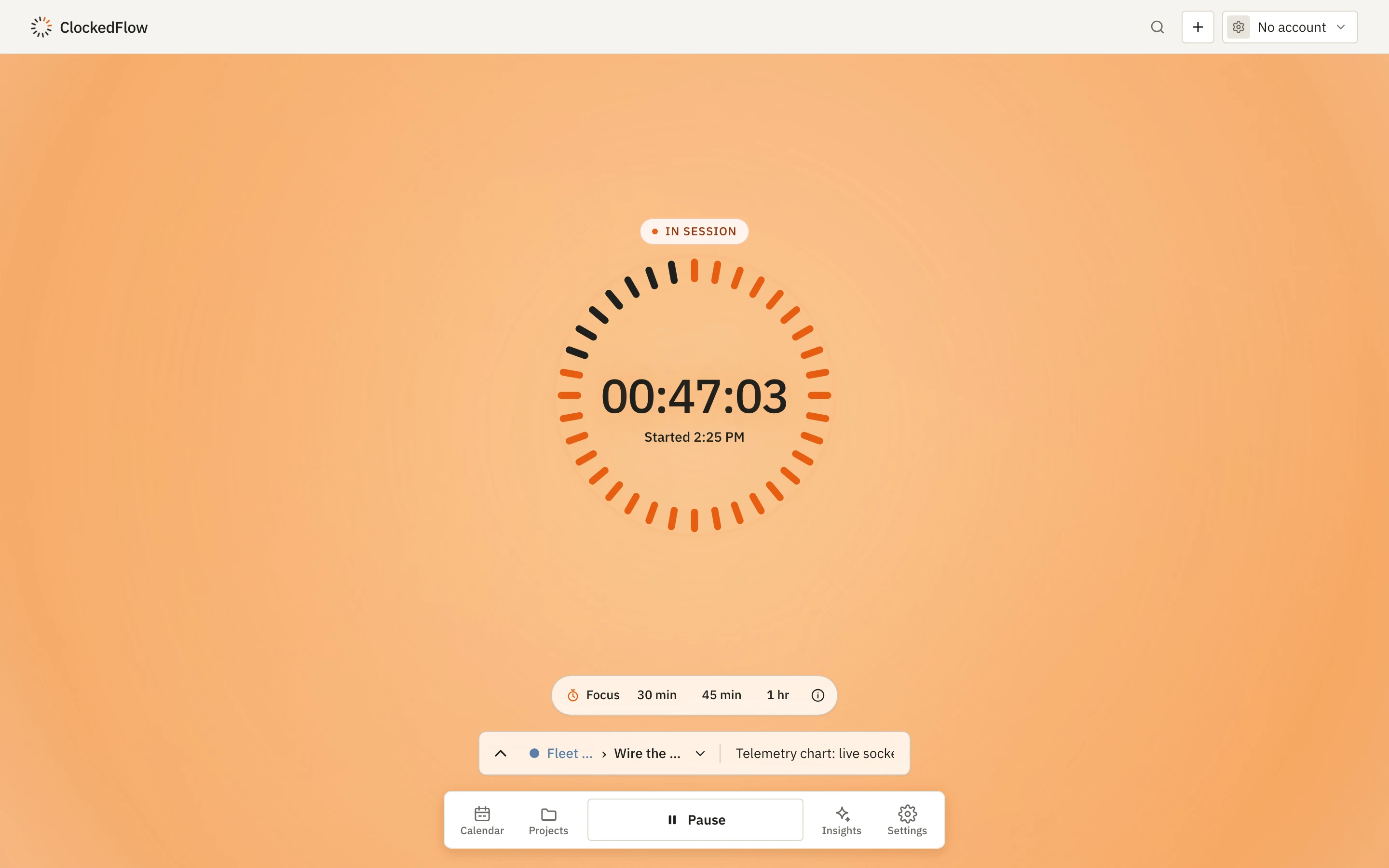
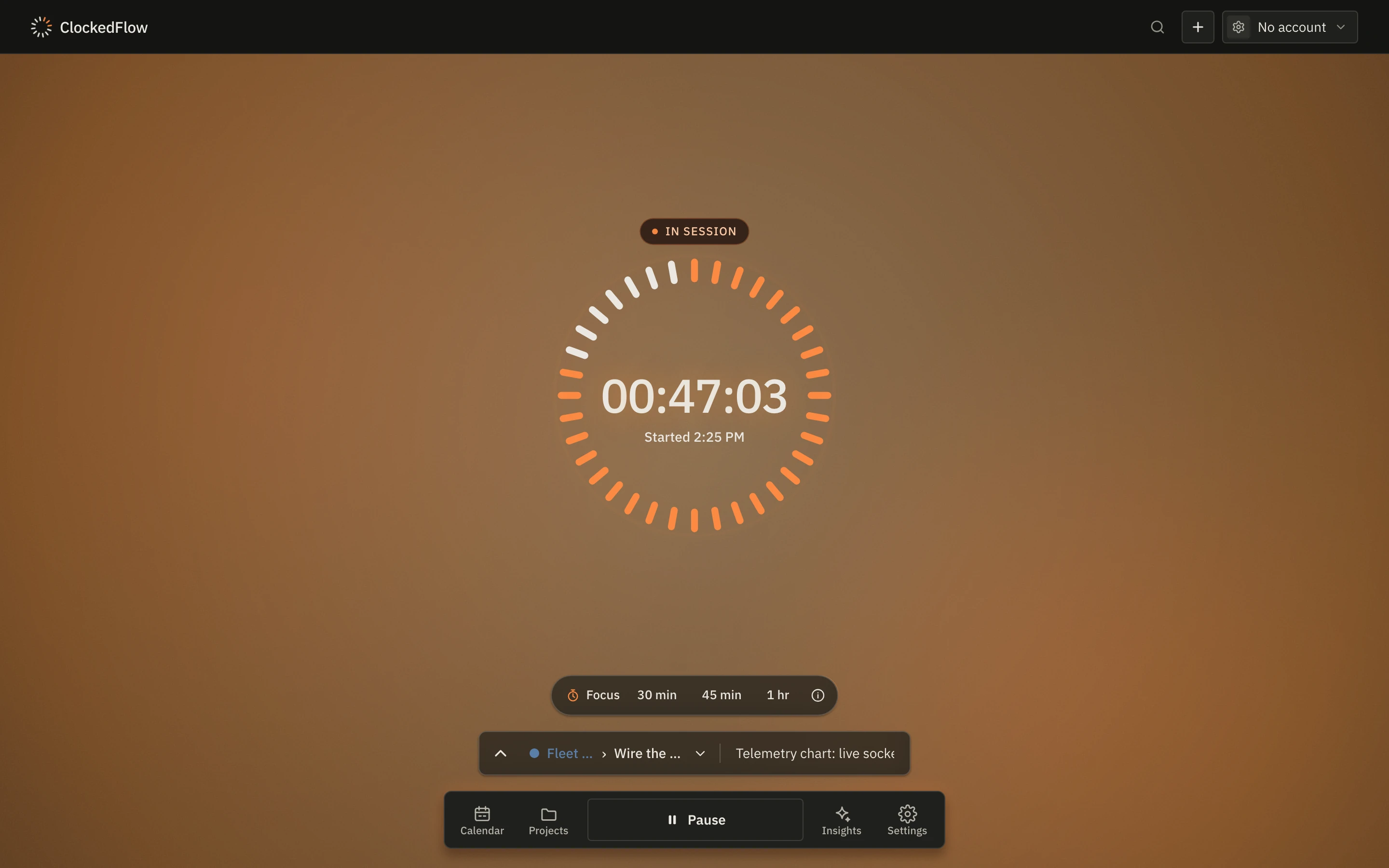
The record screen: a session 47 minutes in, the dial filling around the clock, the project and task on the composer and a single Pause button
Recording a session Light · Dark
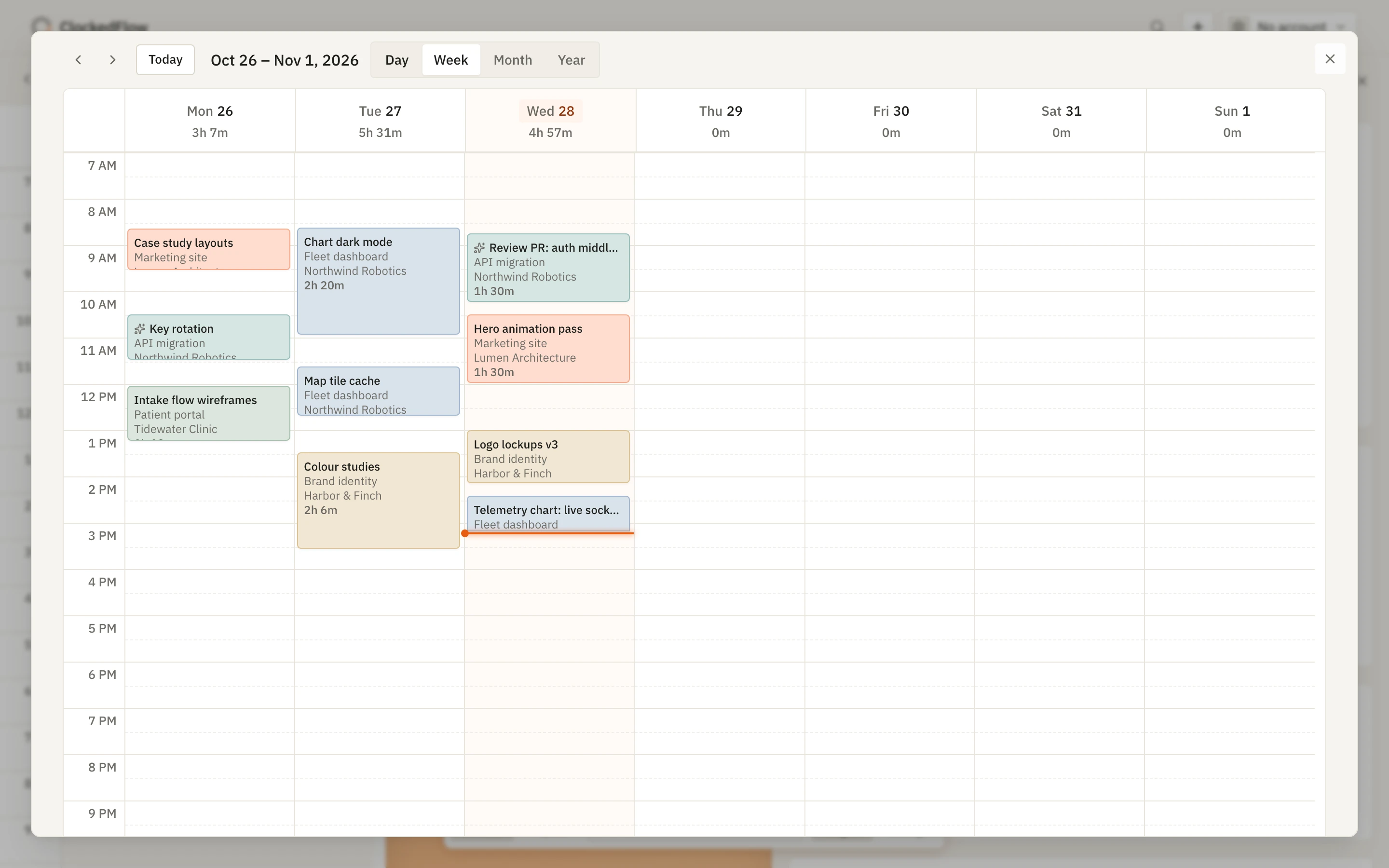
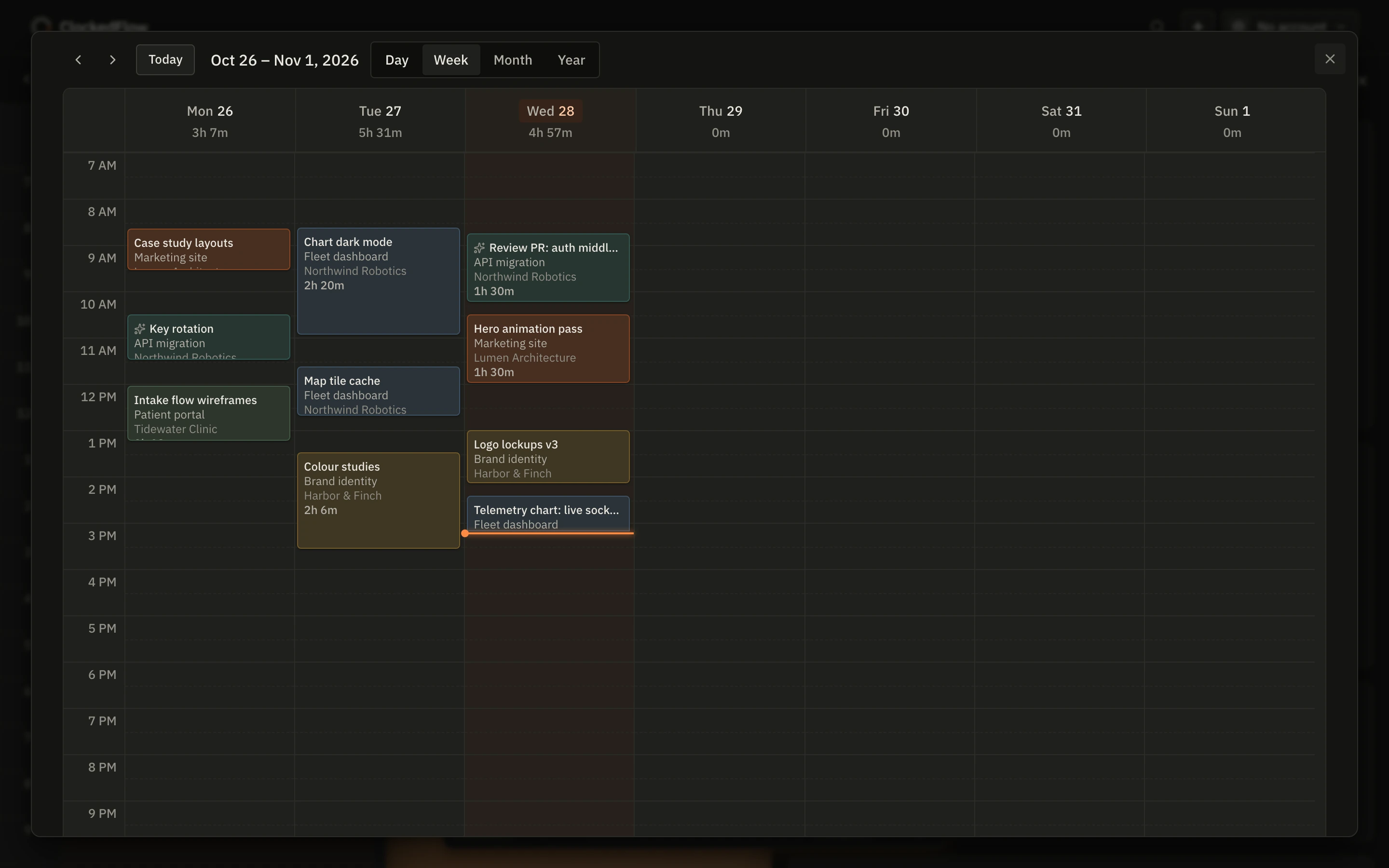
The week calendar: tracked sessions laid out by day, each tinted with its project's colour, with the day's total at the top of each column
The week on a calendar Light · Dark
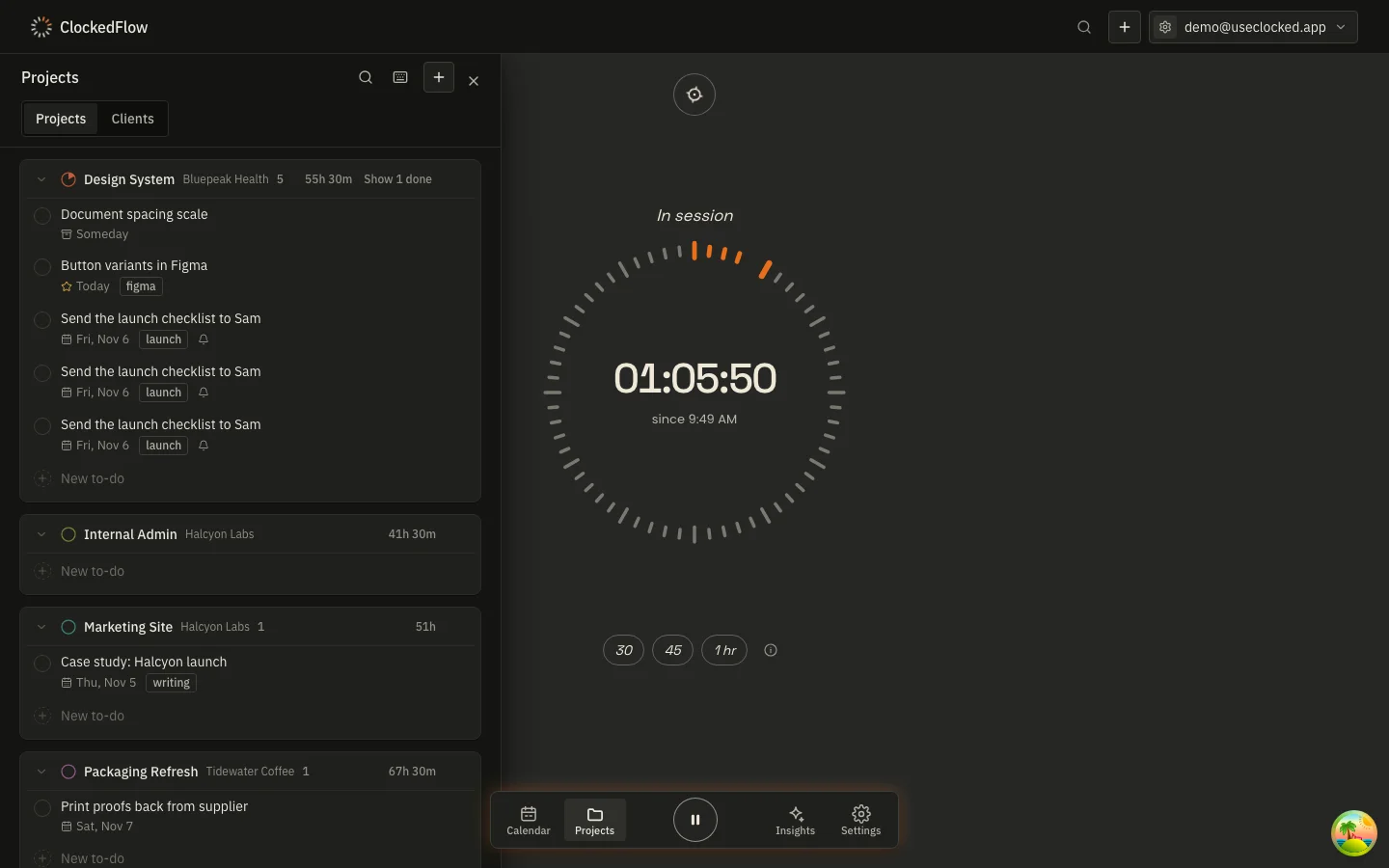
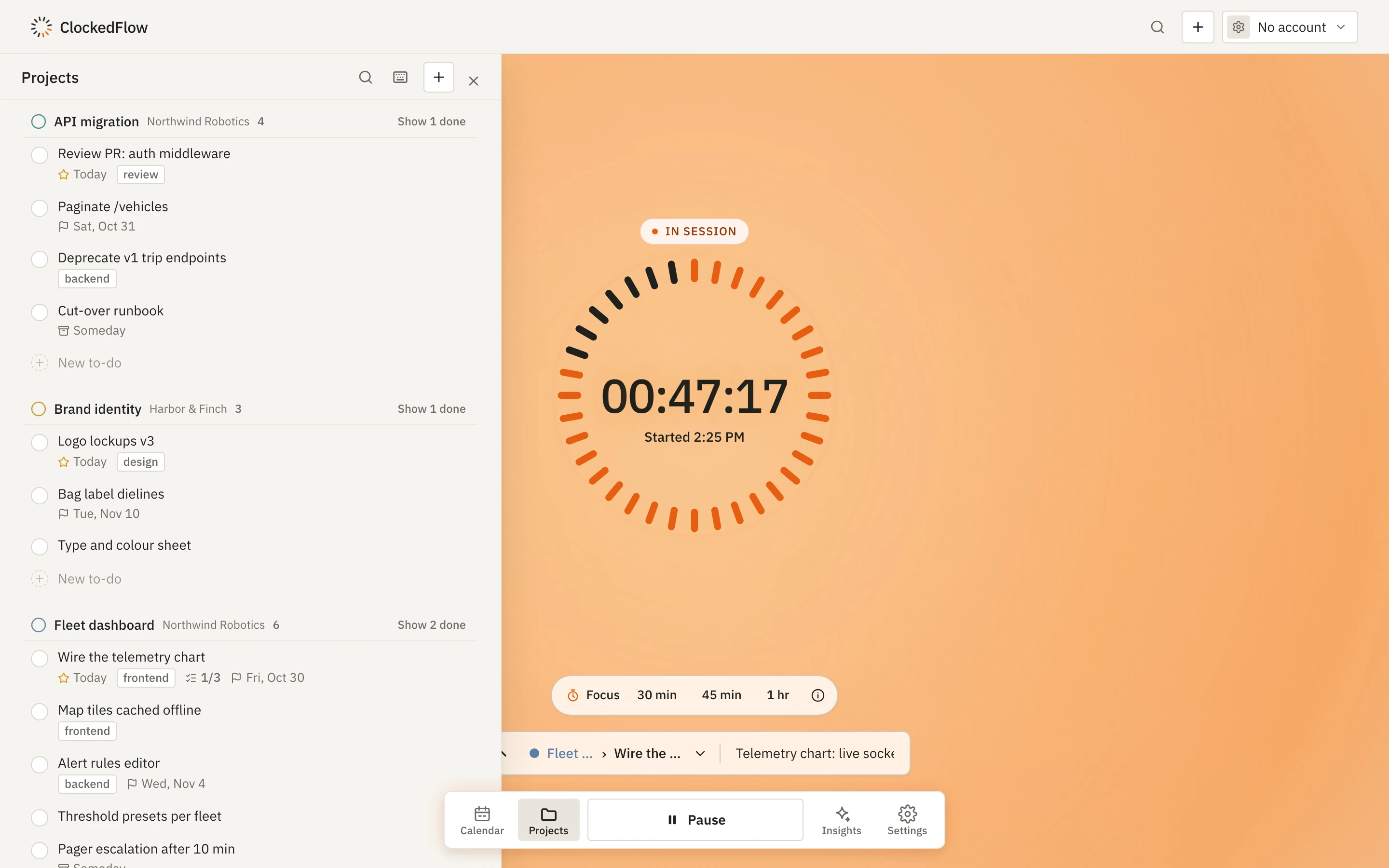
The projects panel beside a running session: each project's to-dos with their tags, deadlines and Today markers
Projects and to-dos Light · Dark
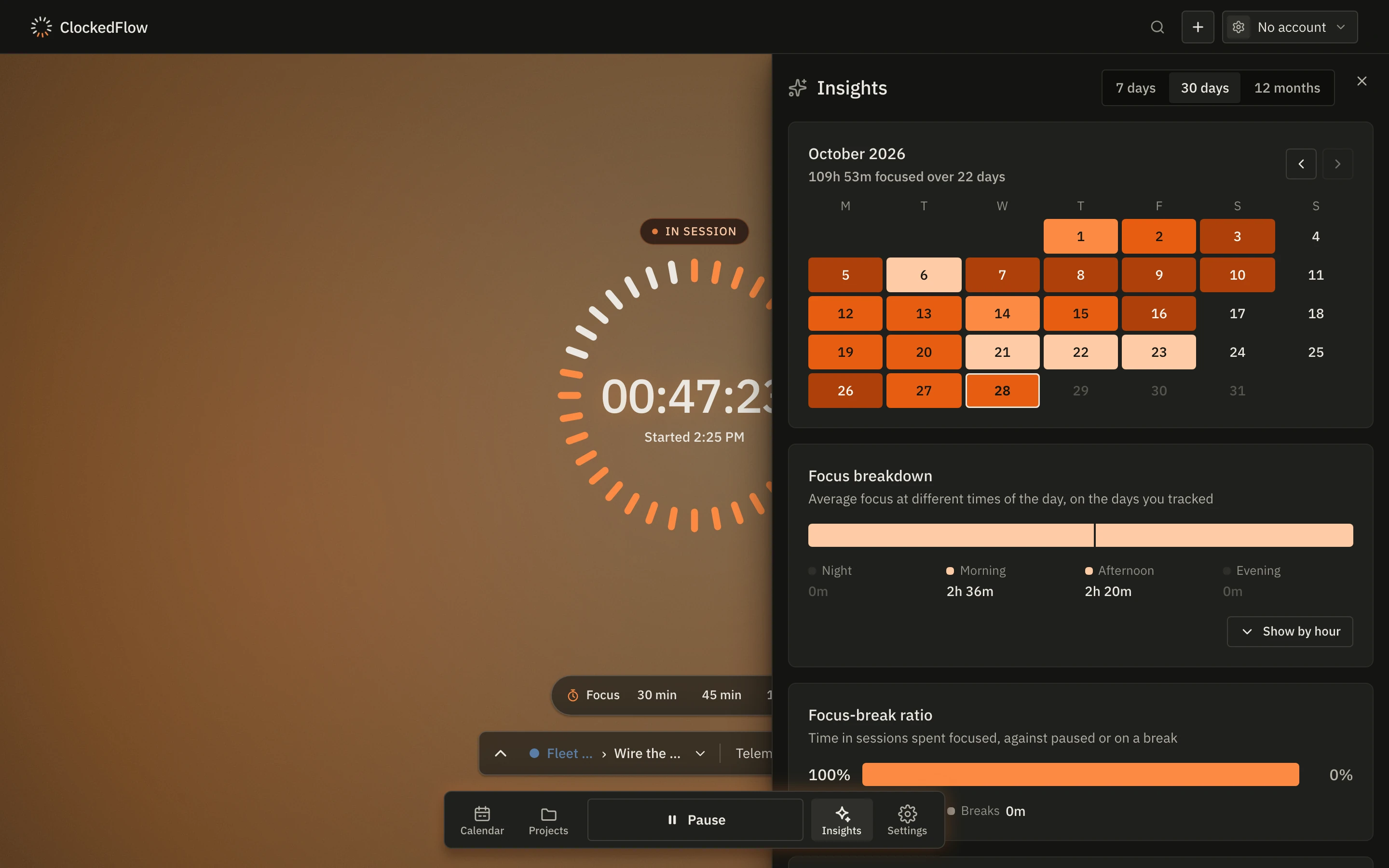
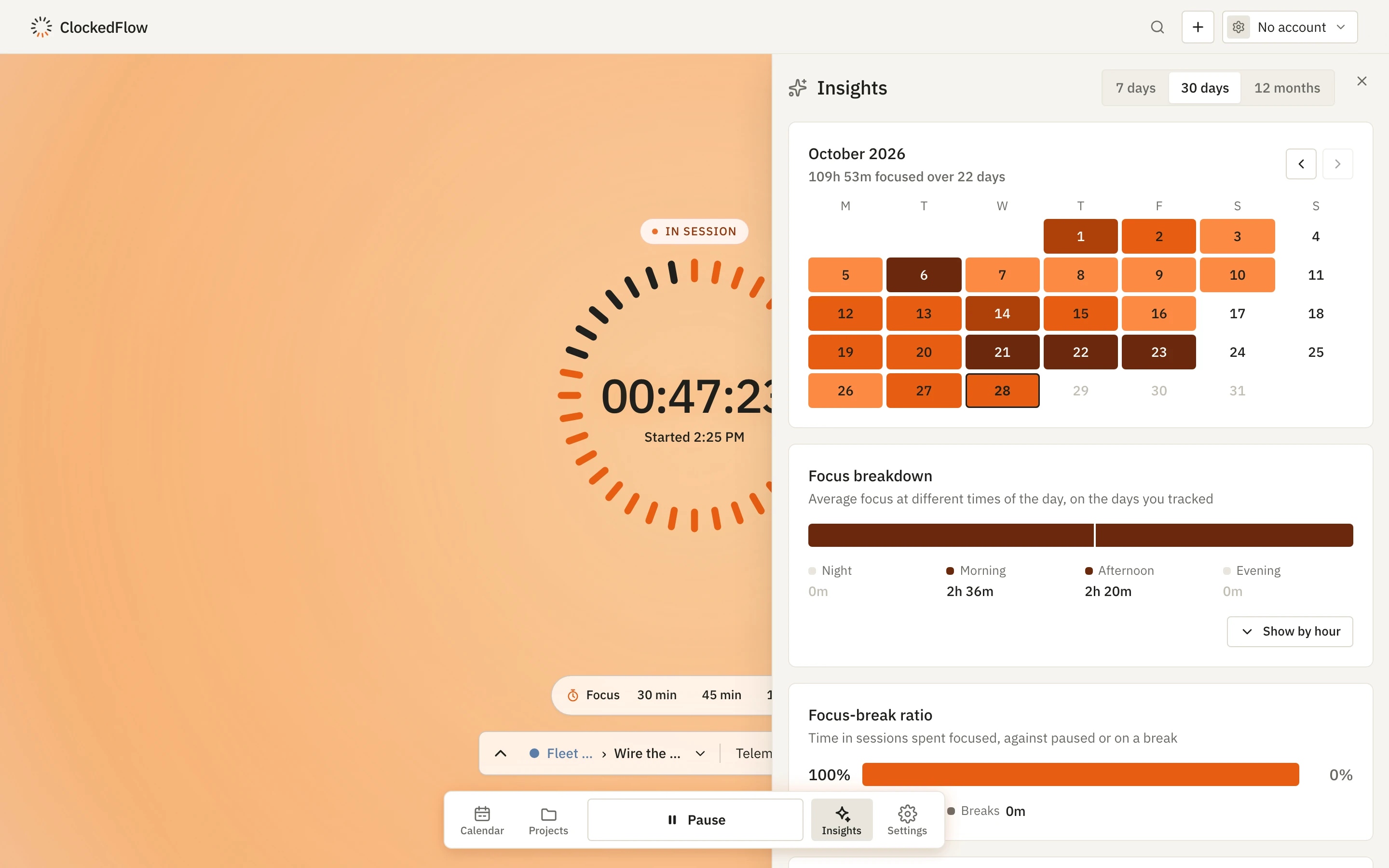
Insights beside a running session: a month heatmap of focused hours, a focus breakdown by time of day and the focus-to-break ratio
Insights Light · Dark
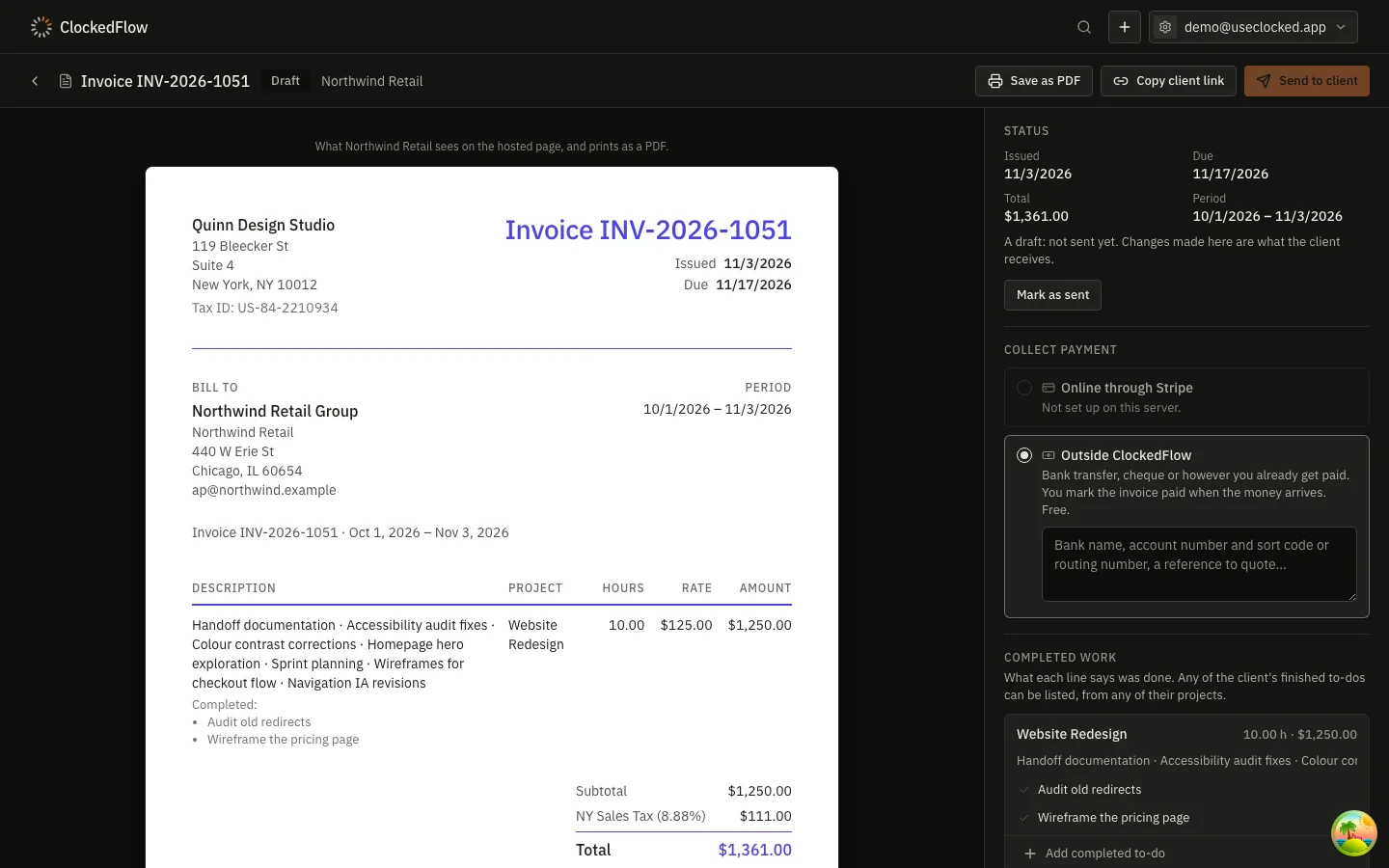
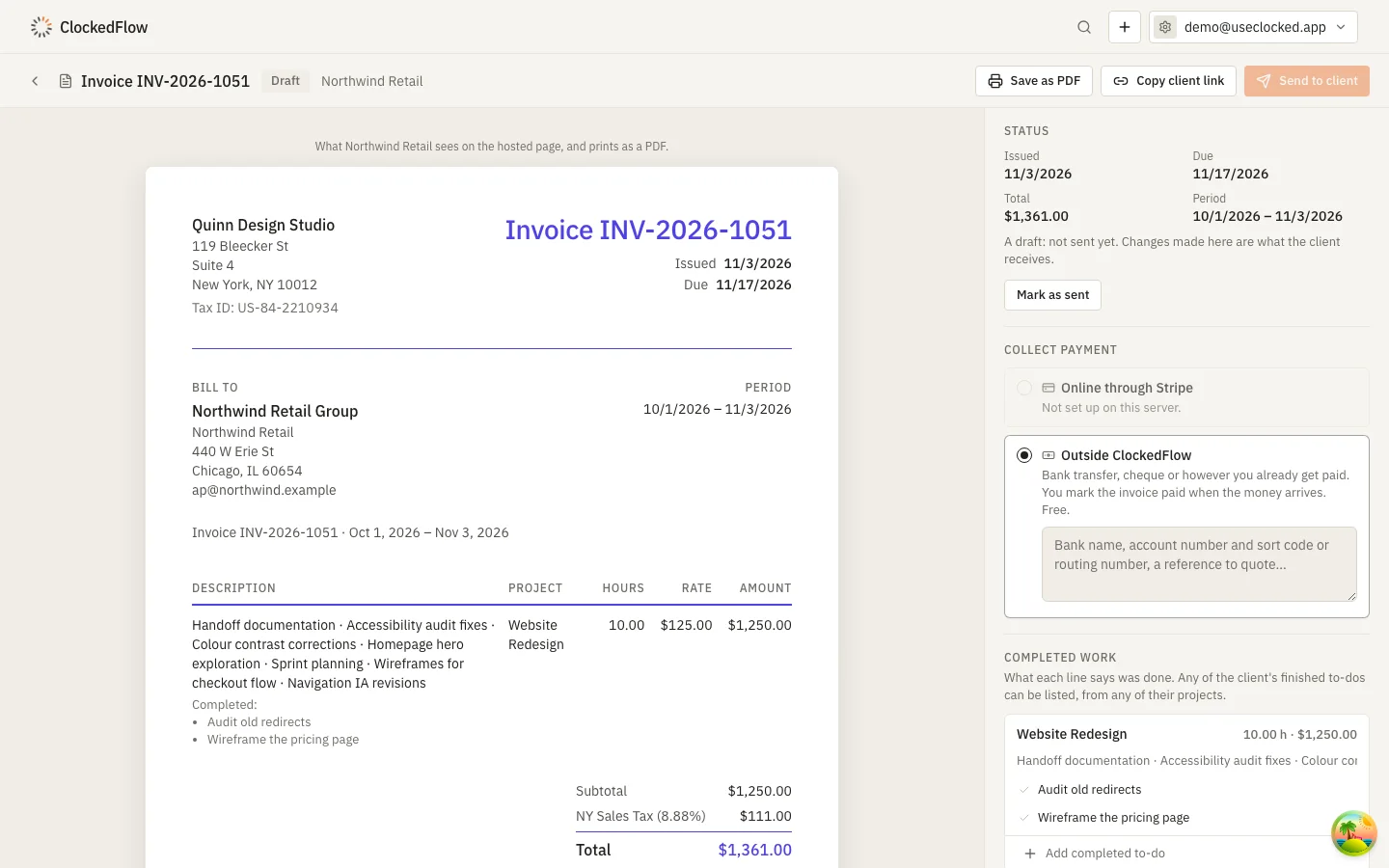
An invoice generated from a month of tracked time: the client, the period, and a line per project listing every session's description
The month's invoice Light · Dark
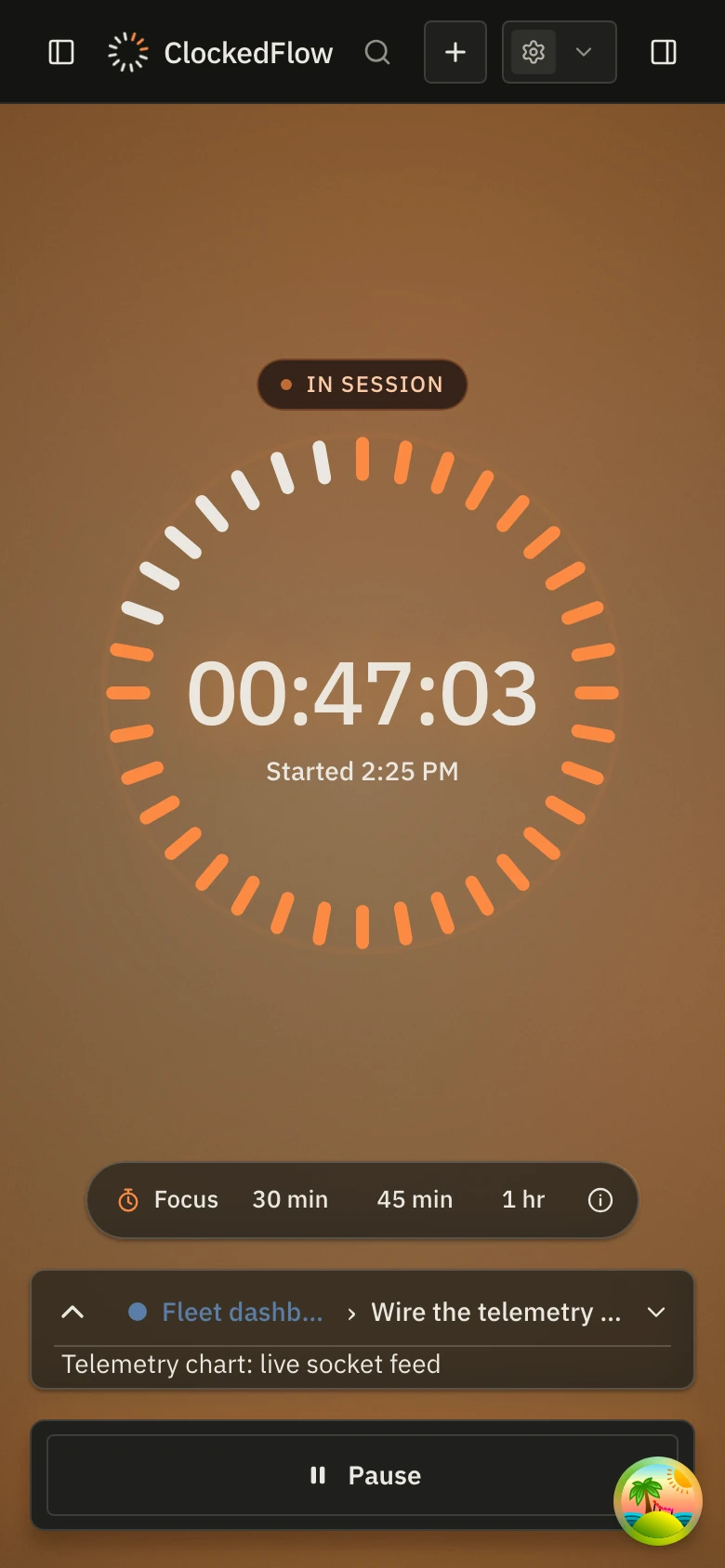
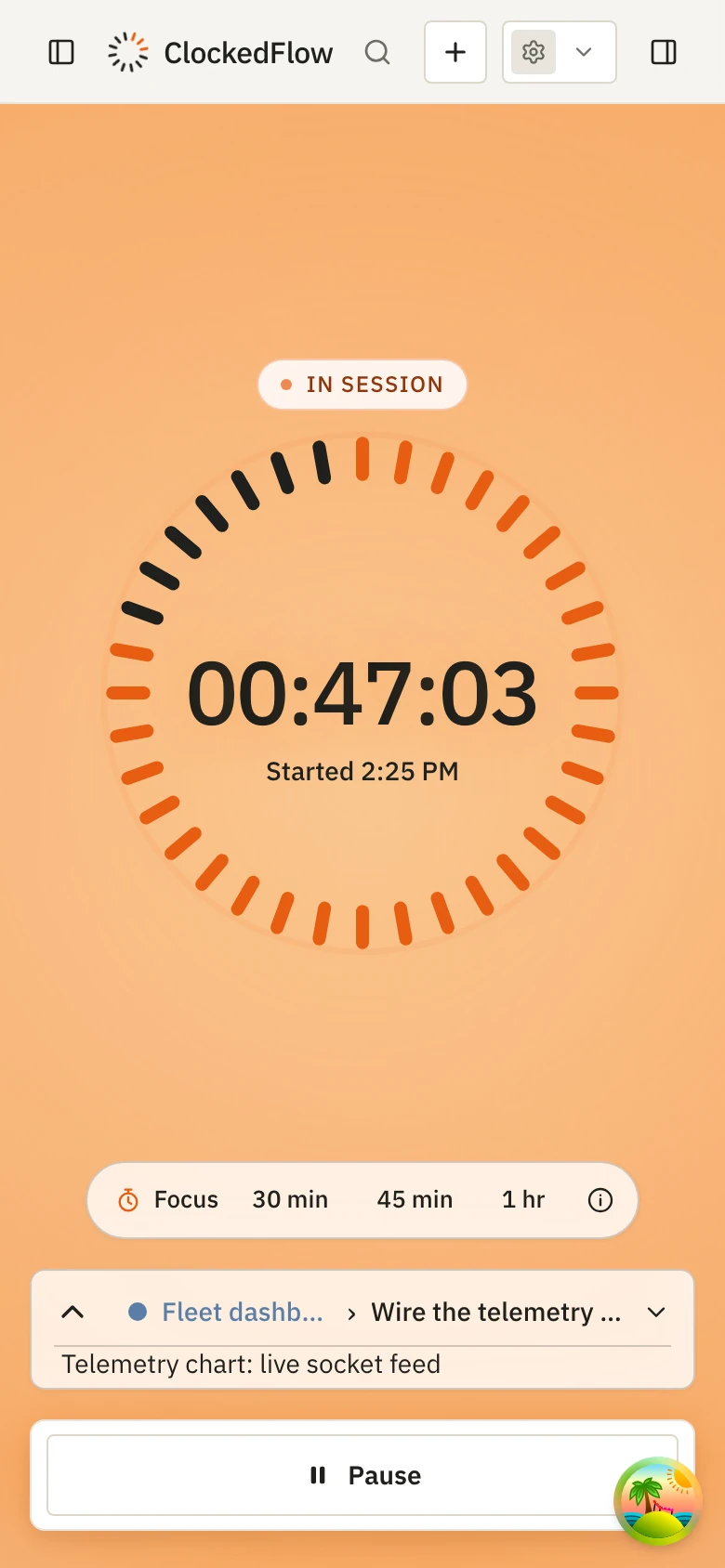
ClockedFlow on an iPhone recording a session: the dial lit around the clock, with Pause beneath
The iPhone timer Light · Dark

The clip

A 20-second clip of ClockedFlow at work, in 16:9 and vertical, is on its way and will be posted here. For an early copy, write to [email protected].

Logo

The mark is the dial: twelve ticks of a clock face with the first three lit, a session that has just begun. Use the wordmark where there is room and the mark on its own where there isn't. Please keep the colours and proportions as they are.

Colours: ink #1f201c, paper #f6f4ef, ember #e85d12. Typeface: IBM Plex Sans. The SVG wordmark has its letters outlined, so it needs no font installed.

About the maker

ClockedFlow is made by an independent developer who built the tracker they wanted. The tedious part of freelancing was never recording ninety minutes of work; it was the evening at the end of every month spent turning a spreadsheet of those blocks into correct invoices, with the right rates, the right rounding and sequential numbers. That evening is unpaid, it recurs forever, and it is entirely mechanical, so ClockedFlow does it instead.

More on the decisions behind it, from integer cents to invoices that freeze when issued, is on the About page.

Contact

Press and interviews

Questions, interviews, a demo call, or a walkthrough of the invoicing with a sample client. Replies usually within a working day.

[email protected]

Try it yourself

The web app opens with no account, and the Mac app needs none either. For the iPhone app, request a beta invite on the download page.

Try it in the browser