A session per ticket
Each to-do is a line in a project, with tags, a deadline and a checklist. Pick it on the composer and press Start; the time lands on the project, the client and the invoice. The to-do's page shows what it actually cost.
For web developers
Freelance and contract developers lose billable hours to the gaps between tickets: the review you did from your phone, the hour Claude Code spent on a migration while you were in a meeting. ClockedFlow ties every session to a to-do, and on the Mac it records the agent's work too.
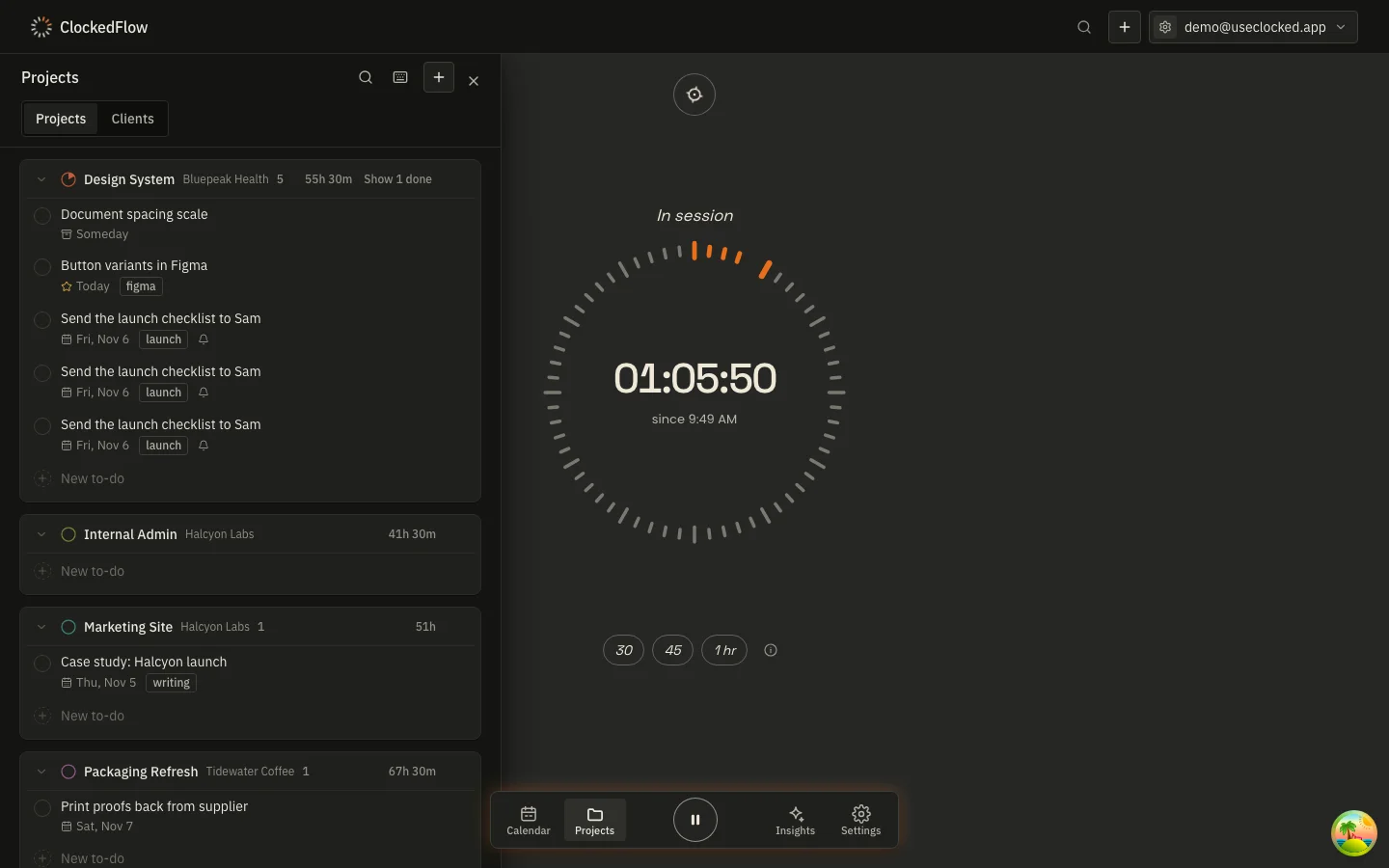
Each to-do is a line in a project, with tags, a deadline and a checklist. Pick it on the composer and press Start; the time lands on the project, the client and the invoice. The to-do's page shows what it actually cost.
Give a project its repository folder and the Mac app records the time Claude Code spends working in it, merged into sessions and marked with a spark on the calendar. Only work inside a project's folder is ever tracked.
30, 45 or 60 minutes, a chime, a 15-minute break, repeat. One timer runs at a time and nothing in the app notifies you mid-block. The research behind it is on the research page.
A retainer at one rate and an overflow project at full rate sit side by side under the same client. The rate in force is written onto every session as it's recorded, so a raise in March never rewrites what February was worth.
Keep the timer in the macOS menu bar with the window closed. Start on a project, pause for standup, take a 10-minute break, resume: all from the menu bar, all synced to the phone and the browser.
On the 1st, every client with unbilled time gets an invoice, grouped by project with each session's description as a line. Rounding applies to the month's total per project, not to each 7-minute fix, so short sessions are billed honestly.

Track your hours on your phone or desktop. On the first of the month, your clients get their invoices. Free on every device, no account needed to start — we only take 1% when an invoice is paid online.